Don’t Buy a Premium Smart TV Until You Check for HDMI 2.2
Click here to add Gadgetslogs as a trusted source.

Don’t Buy a Premium TV Without Checking for This Hidden Upgrade (HDMI 2.2)
We all love upgrading our living rooms with a brand-new, massive Smart TV. You probably spend weeks watching reviews, comparing OLEDs, Mini-LEDs, and checking prices. But what if I told you that focusing only on the screen is a huge mistake?
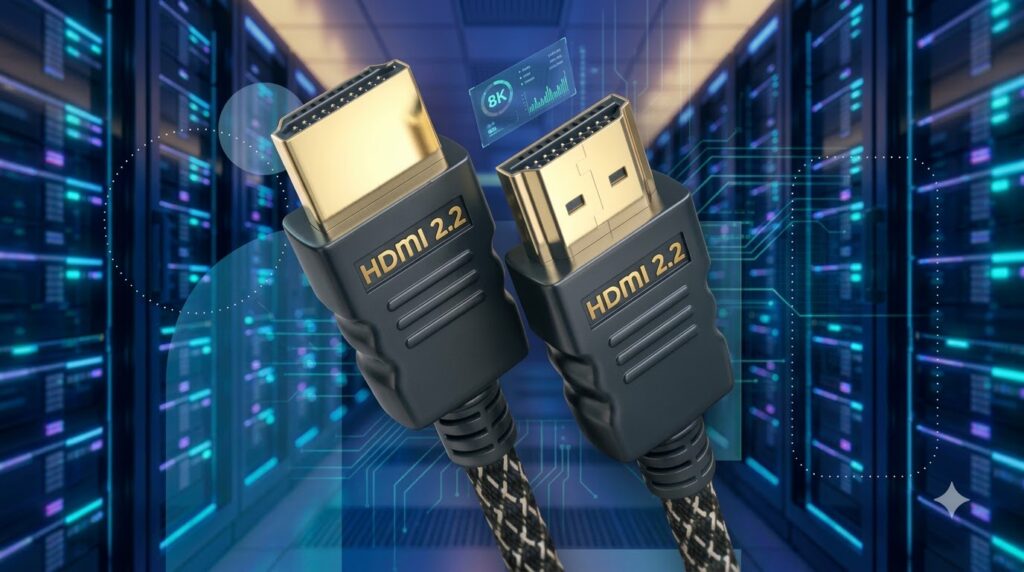
There is a silent hardware revolution happening right now. It is called the HDMI 2.2 Specification.
If you are planning to spend your hard-earned money on a premium TV or a high-end gaming monitor, buying one without this new hidden port means your expensive gadget will be outdated the moment you bring it home. Let’s break down exactly what this is, without the confusing tech jargon.
⚡ The 30-Second Summary (For Busy Readers)
🛣️ The Highway Analogy: What Exactly is HDMI 2.2?
Think of the cable connecting to your TV as a highway for data (video and sound).
For the last few years, HDMI 2.1 was the gold standard. It was like a 4-lane highway that handled 48 Gigabits per second (Gbps). It did a good job for normal 4K movies.
But the new HDMI 2.2 is a massive 8-lane expressway. It pushes a staggering 96 Gbps. Because the road is so wide, incredibly heavy video and audio files can travel directly to your screen without getting compressed or losing quality.
🎮 3 Ways HDMI 2.2 Will Change Your Experience
1. The Ultimate Dream for Gamers
If you own a high-end PC or plan to buy next-generation consoles, HDMI 2.2 is magic. It supports 4K resolution at 240 frames per second (fps). This means zero screen tearing, zero motion blur, and the smoothest gameplay you have ever seen.
2. Perfect Lip-Sync (The LIP Feature)
We all hate it when we watch a movie, an actor speaks, and the voice comes out of the soundbar a half-second later. HDMI 2.2 introduces the Latency Indication Protocol (LIP). This smart feature locks the video and audio together in real-time. The audio delay problem is officially dead.
3. Built for 10K, 12K, and 16K Screens
While we are just getting comfortable with 4K, this new port is already looking at the future. It can easily support upcoming 10K and even 16K displays.
🚨 The Dirty Secret: Don’t Get Scammed by TV Brands!
Here is an insider secret you need to know before going to the store.
When a TV brand puts an “HDMI 2.2” sticker on the box, don’t blindly trust it. The creators of this technology divided HDMI 2.2 into three different power levels (Tiers):
- Tier 1: 64 Gbps (Good)
- Tier 2: 80 Gbps (Better)
- Tier 3: 96 Gbps (The Best)
Some brands might charge you a premium price but only give you the lowest 64 Gbps port! Always check the TV’s specification sheet and look for the 96 Gbps Ultra96 mark to make sure you are getting the real deal.
🔌 The Hidden Catch: Throw Away Your Old Cables
You cannot simply buy a new HDMI 2.2 TV, plug in your old cables, and expect magic. Old cables will choke the 96 Gbps speed. To unlock all these amazing features, you will need to buy a newly certified cable known as the Ultra96 HDMI Cable.
💡 The Final Verdict: Should You Buy or Wait?
Who should BUY a TV right now?
If you are buying a budget-friendly 4K TV (under $500) for casual Netflix watching or family news, go ahead! The older HDMI 2.1 standard is more than enough for you.
Who should WAIT?
If you are about to drop thousands of dollars on a flagship OLED TV, a massive Mini-LED display, or a high-end gaming monitor—put your wallet away. Wait for the newer models that explicitly feature the 96 Gbps HDMI 2.2 ports. Don’t trap yourself with outdated tech just before a major industry upgrade.
Technology changes fast! Share this article with your friends or family who are planning to upgrade their TV setup so they don’t make a costly mistake.

Staff Writer · Gadgetslogs
Hey! I am a developer and tech enthusiast who is always learning something new. I am also a passionate blogger who loves playing video games.