Android 17 is Making APK Sideloading Harder: Here is the New 4-Step Security Rule
If you are an Android user, you probably love the freedom of “sideloading.” Unlike Apple users, we can simply download the APK file from the internet and install it ourselves if an app is not available on the official Play Store. However, this freedom has a dark side. Scammers are increasingly calling innocent people, posing as bank officials, and tricking them into downloading malicious apps that steal their money and data.
To stop this massive wave of fraud, Google is officially making a huge change. According to recent official developer updates, Android 17 will introduce a brand-new, highly strict security flow when you try to install an app from an unverified developer. While tech-savvy “power users” can still install whatever they want, the process will no longer be a simple one-click job. Google is adding “friction” to give victims time to realize they are being scammed.
Here is exactly how the new sideloading process will work in Android 17:

Step 1: The “Are You Being Coached?” Check
When you try to install an unverified app, your phone will immediately stop you and ask a simple question: “Is someone guiding you to do this?” Scammers often stay on a phone call to pressure their victims into disabling security. This quick check is designed to make the user stop and think.
Step 2: Mandatory Device Restart
If you proceed, Android will force your phone to restart to apply a “security delay.” This is a genius move by Google because restarting the phone instantly cuts off any active phone calls or remote-access screen-sharing sessions that the scammer might be using to control the victim’s device.
Step 3: The 24-Hour Waiting Period
This is the biggest change. You cannot simply restart and install the app. Android 17 will enforce a strict 24-hour waiting period. You literally have to wait a full day before you can verify your identity using a fingerprint or PIN to continue. Scammers rely on creating a sense of urgency and panic. By forcing a 24-hour wait, the spell is broken, and the victim has time to talk to their family or bank and realize it is a trap.
Step 4: The Final Toggle
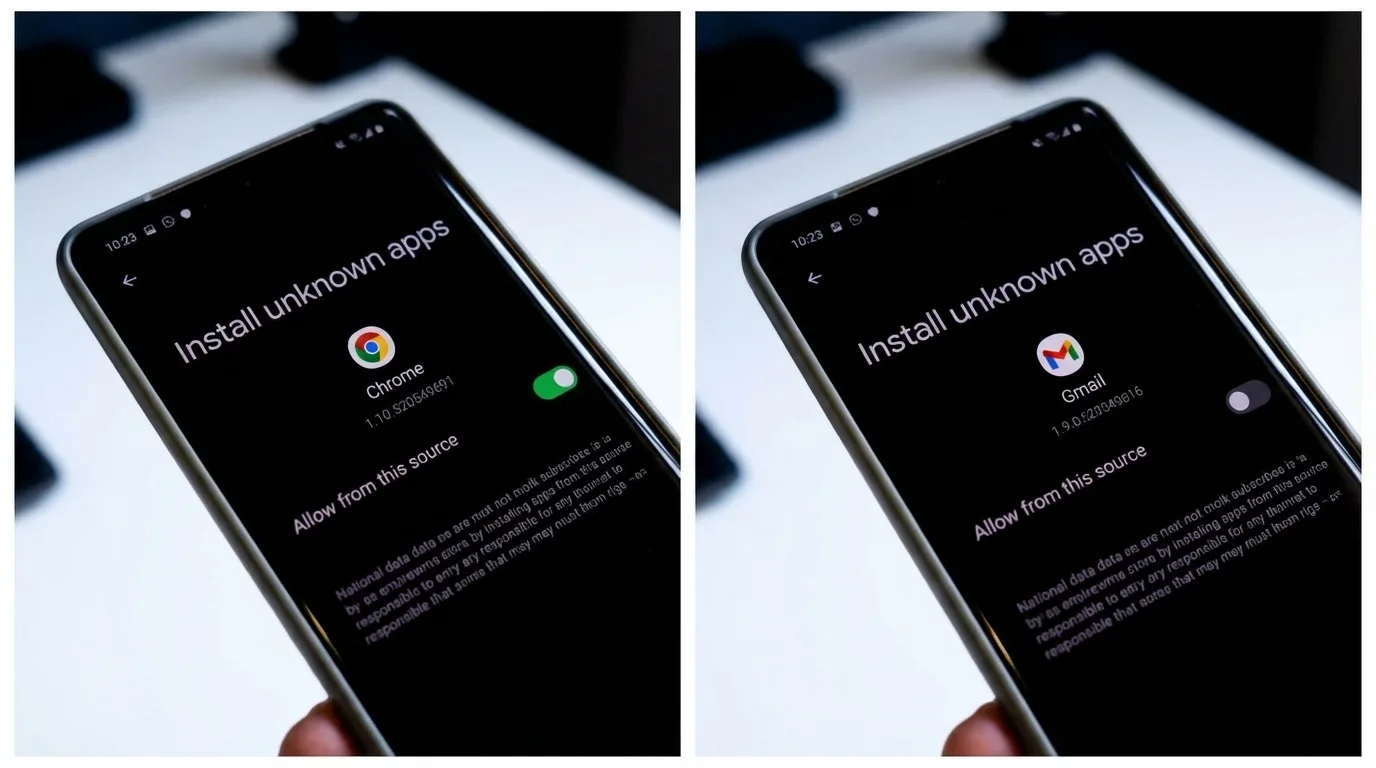
Once the 24 hours are over, you can finally enable the setting to install unverified apps. Android will give you two options: you can turn it on temporarily for 7 days, or you can turn it on indefinitely (though Google heavily warns against this).
While this 24-hour delay might sound annoying for hardcore gamers and tech geeks who love testing unreleased apps, it is a massive win for the safety of average users. The days of accidentally installing a fake app in 10 seconds are officially coming to an end!