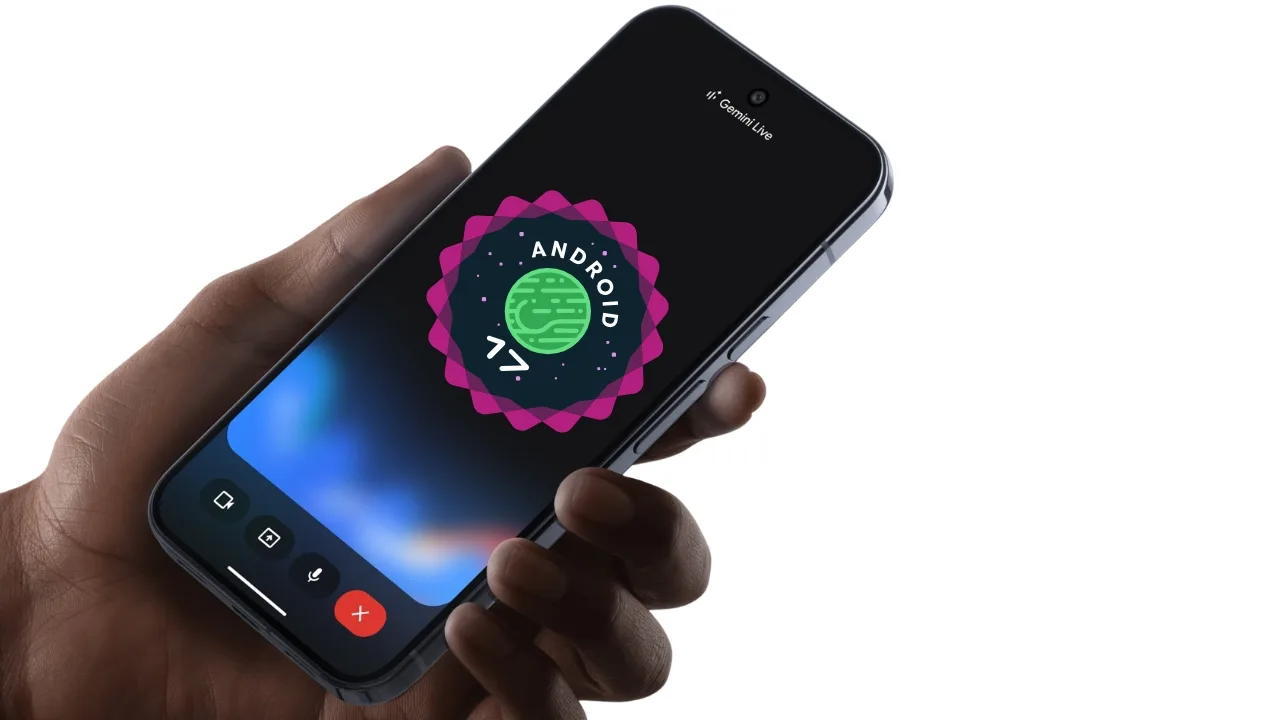
The Android 17 Update is Live: Here is the Full Pixel Device List and How to Get It!
If you own a Google Pixel, you already know the best part about having one: you never have to wait in line for software updates. While other Android users are stuck waiting months for their phone manufacturers to release custom skins, Pixel owners get to experience the future on day one. Well, get your chargers ready, because the highly anticipated Android 17 update is officially rolling out for early testing, and we finally have the confirmed list of devices that support it.
According to the latest official developer rollout pages, Android 17 is bringing a massive wave of new features, smarter AI integration, and a much smoother user experience. The testing phase is now fully open, meaning if you have a supported device, you don’t actually have to wait for the final public release to try it out.
But the biggest question everyone is asking right now is simply: “Will my phone get the Android 17 update?”
To make it super easy for you, we have organized the official list of confirmed devices right below. Find your series and check if your phone made the cut!
📦 Confirmed Google Pixel Phones Getting Android 17
| Pixel Series | Eligible Phones Getting Android 17 |
| Pixel 10 Series | Pixel 10, Pixel 10 Pro, Pixel 10 Pro XL, Pixel 10 Pro Fold |
| Pixel 9 Series | Pixel 9, Pixel 9 Pro, Pixel 9 Pro XL, Pixel 9 Pro Fold, Pixel 9a |
| Pixel 8 Series | Pixel 8, Pixel 8 Pro, Pixel 8a |
| Pixel 7 Series | Pixel 7, Pixel 7 Pro, Pixel 7a |
| Pixel 6 Series | Pixel 6, Pixel 6 Pro, Pixel 6a (Massive Surprise!) |
As you can see, if you have a newer device like the Pixel 10 or a Pixel 9, your update is guaranteed. But the real shocker here is that the legendary Pixel 6 series is still fully supported! Google originally launched these phones with Android 12, so getting a fifth major OS upgrade is a huge win for anyone who held onto their older device.
How to Download Android 17 Right Now
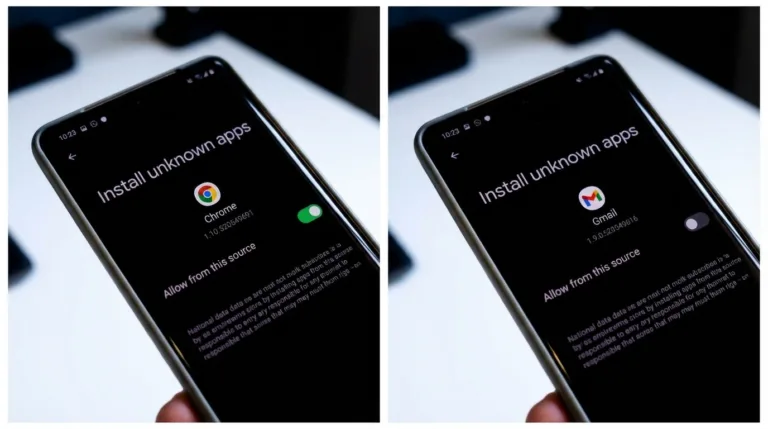
If your phone is on the list and you are feeling adventurous, you have a few ways to get the new software today. The easiest method is to simply check for an Over-The-Air (OTA) update if your device is enrolled in the testing program.
If you are a bit more tech-savvy, the official guidelines recommend using the “Android Flash Tool” to manually flash the system image onto your phone. Just remember, since this is an early build, it is highly recommended that you back up all your photos and data before hitting that install button. Whether you decide to download it today or wait for the final stable release, your trusty Pixel is about to feel like a brand-new phone all over again!